

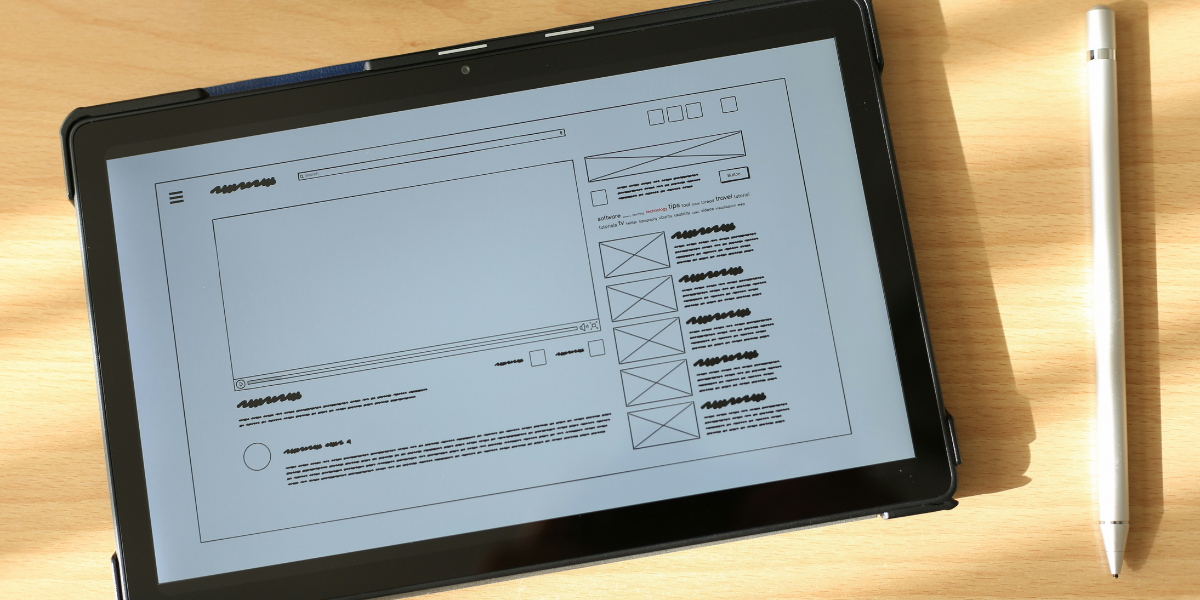
The Blueprint Behind Every Great Website
Wireframing is a crucial step in web design that helps define the structure and layout of a website before visual elements are added. It acts as a visual guide that outlines where key components like navigation menus, content sections, and call-to-action buttons will be placed.
By focusing on usability and functionality instead of design, wireframes allow teams to create user-friendly experiences and make informed decisions early in the development process.
Why Wireframing is Important
- Clear Structure – Helps define layout and placement of elements effectively.
- Improved User Experience – Ensures smooth navigation and logical user flow.
- Cost & Time Saving – Easy to modify before development begins.
- Better Collaboration – Aligns designers, developers, and stakeholders.
Types of Wireframes
Wireframes can vary based on how detailed they are. Each type serves a different purpose in the design process.
- Low-Fidelity Wireframes – Basic sketches focusing only on structure and layout.
- Mid-Fidelity Wireframes – More refined with better spacing, alignment, and basic content.
- High-Fidelity Wireframes – Detailed layouts close to the final design with real content.
Key Elements of a Wireframe
A well-structured wireframe includes essential components that guide the overall user experience.
- Header – Includes logo and navigation menu
- Content Area – Main section for text, images, or videos
- Call-to-Action – Buttons like “Sign Up” or “Get Started”
- Footer – Contact details, links, and social icons
- Navigation – Helps users move easily across pages
"A well-planned wireframe ensures that a website is not just visually appealing but also intuitive and easy to use."
Popular Wireframing Tools
- Figma – Cloud-based and great for team collaboration
- Adobe XD – Powerful tool for UI/UX design
- Sketch – Preferred by many Mac users
- Balsamiq – Ideal for quick low-fidelity wireframes
- InVision – Useful for prototyping and feedback
Wireframe vs Mockup vs Prototype
- Wireframe – Basic layout and structure
- Mockup – Visual design with colors and styling
- Prototype – Interactive version of the design
Best Practices for Wireframing
- Keep the design simple and focused
- Prioritize user experience and navigation
- Maintain consistency across layouts
- Highlight important content areas
- Gather feedback early in the process
Common Mistakes to Avoid
- Adding too much detail too early
- Ignoring user flow
- Skipping wireframing entirely
- Not testing layout ideas
Final Thoughts
Wireframing is the foundation of effective web design. It helps transform ideas into structured layouts that improve usability and functionality.
By investing time in wireframing, businesses and designers can create websites that deliver better user experiences and achieve stronger results.